
If you define an exam with a maximum number of attempts, learners can’t start another exam attempt after their last failed attempt. In the admin dashboard, you can grant an additional attempt for the desired user in this case. This extra attempt is saved individually for that user and doesn’t affect the attempts of other users.
Grant an additional attempt
You grant the additional attempt in the trainer dashboard
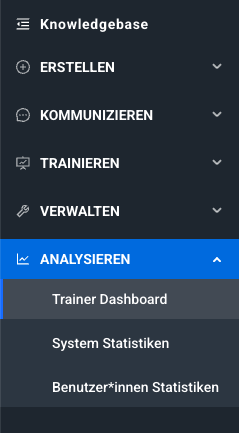
On this page you select the desired group and can search for the desired user to unlock an additional exam attempt. Select the desired user in the list on the left side and then search on the right side for the exam for which you want to grant the additional attempt.
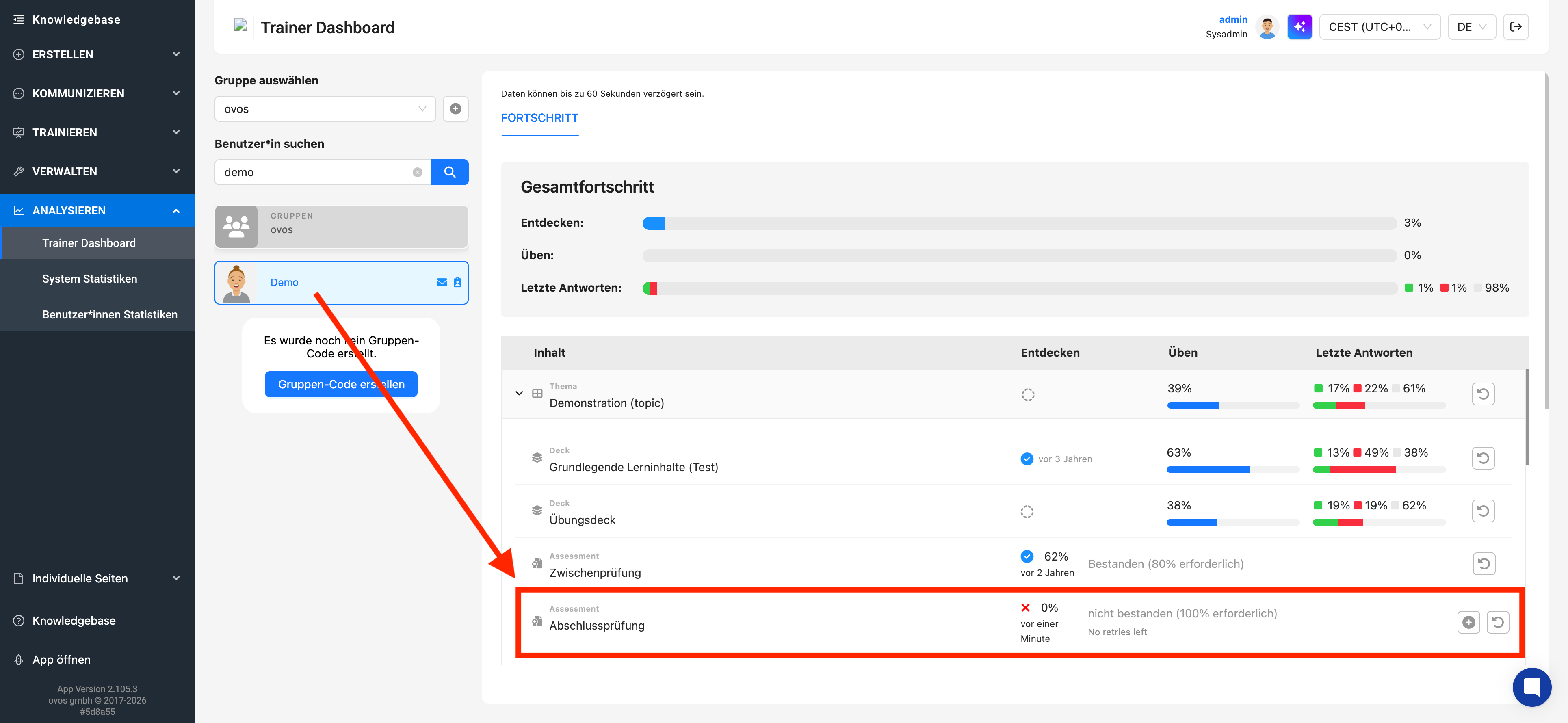
As soon as the selected user has reached the maximum number of attempts and wasn’t able to pass the exam, a button for the additional attempt is shown on the right in the table. Click the button and the number of attempts will be increased by one, and the selected user can try the exam again.

Additional attempts can be unlocked as often as needed and have no effect on other users. In the app, users will then see that they have another attempt available for the exam.