As an author, you only have access to some of the available menu items. Here you will find an overview of all possible functions and menu items that are available to you.
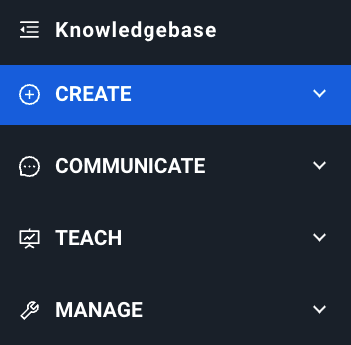
Jump directly to the individual areas in the menu:
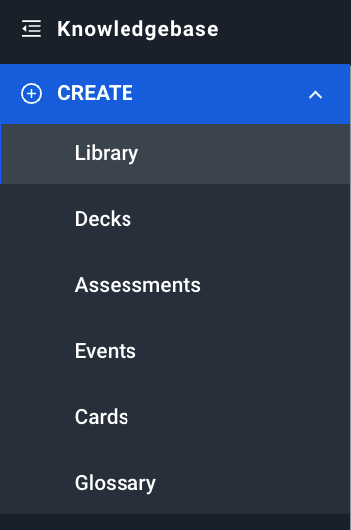
Here you will find all learning content and can create new content. In this menu item you will find decks, tests, events, cards and the glossary.
Related articles
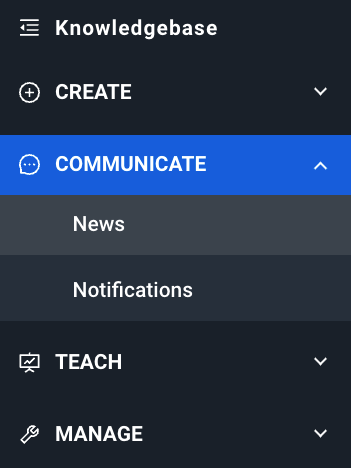
With the "News" module, you can provide your users with the latest information in the form of news articles. With notifications, you can display prominent messages to users on the home screen. Users of the app also receive push notifications.
Notifications can refer to learning content in the app or external links. They are ideal for welcome messages, important information about product updates or new processes in your company.
Related articles
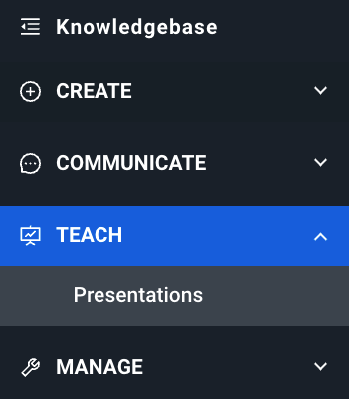
This menu item is only visible if you are using the "Live sessions" module. Authors can create presentation blueprints here, which can then be used by live teachers.
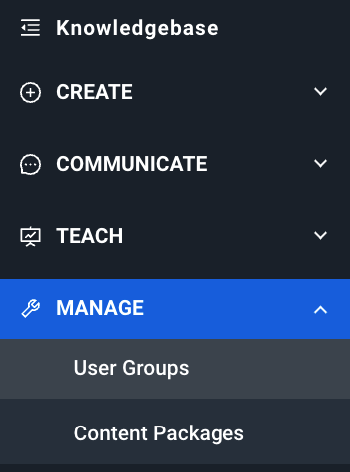
Learning content can be grouped into different content packages. By accessing content packages, users also gain access to the learning content within them. Users also receive content packages through groups. In this area, you can view the group hierarchy and the content packages. However, only administrators can edit these.
Related articles