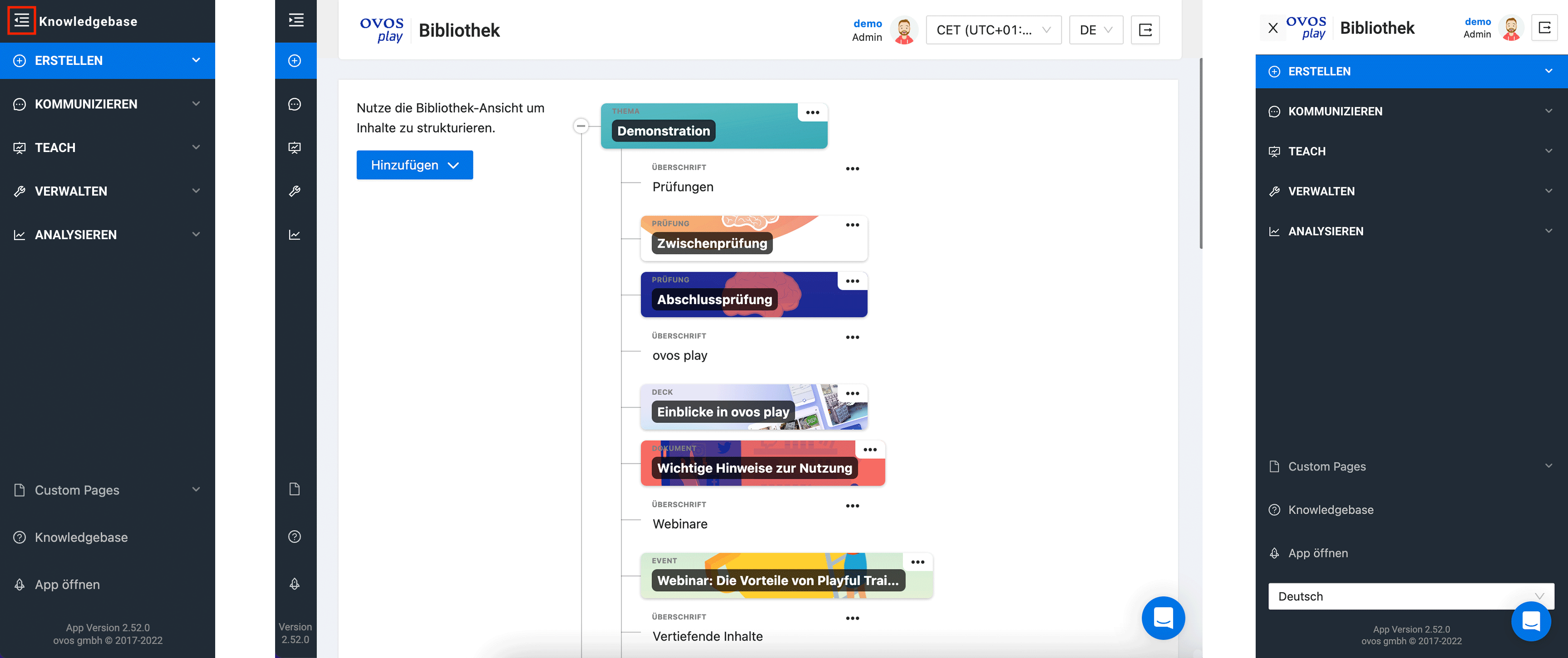
The menu in the Admin Dashboard can be used both when expanded and when collapsed to save space. On mobile devices, you can expand the menu to navigate through the pages.
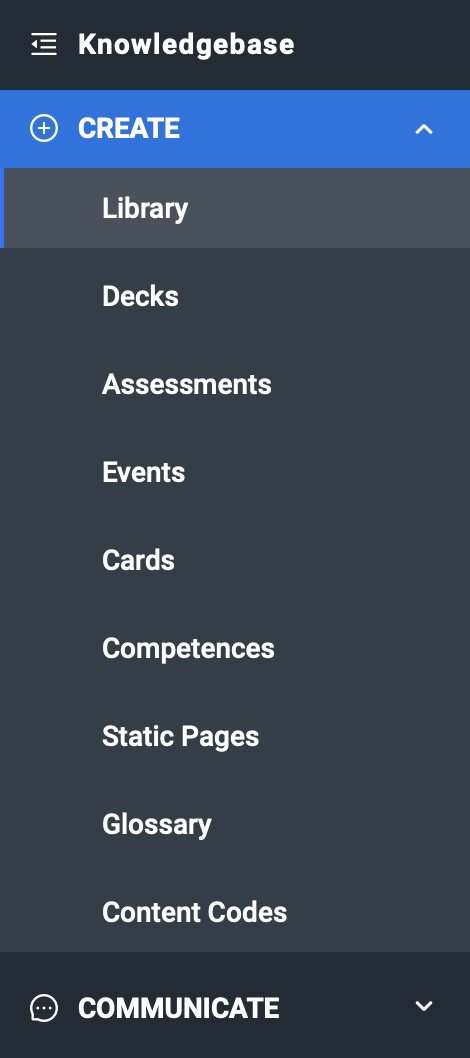
In the "Create" area, you can find and create all content elements of the library, the glossary and also static pages. This area is mainly relevant for authors.
Related articles
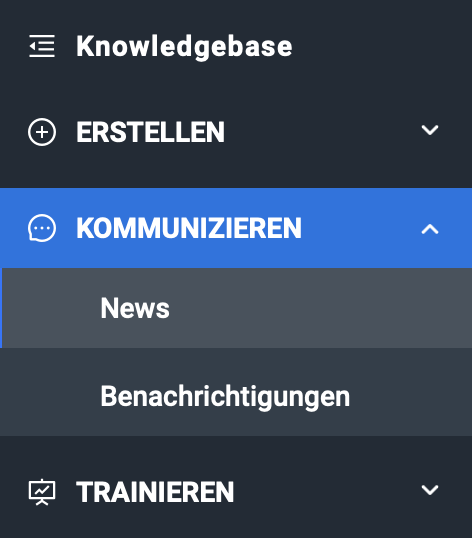
All communication features are included in the "Communicate" area: News and notifications. This area is also primarily intended for authors.
Related articles
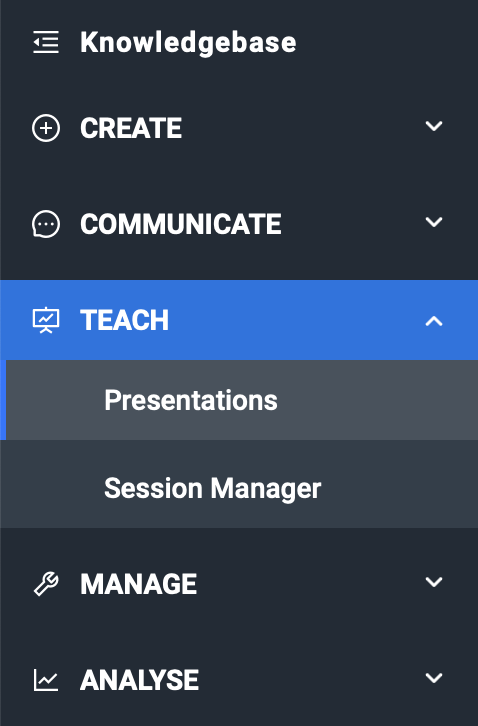
In the "Training" area, you will find the ovos play Live feature if it is enabled for your instance. The menu therefore contains the presentations and the session manager. This area can be used by authors to create presentations or by live teachers to start live sessions.
Related articles
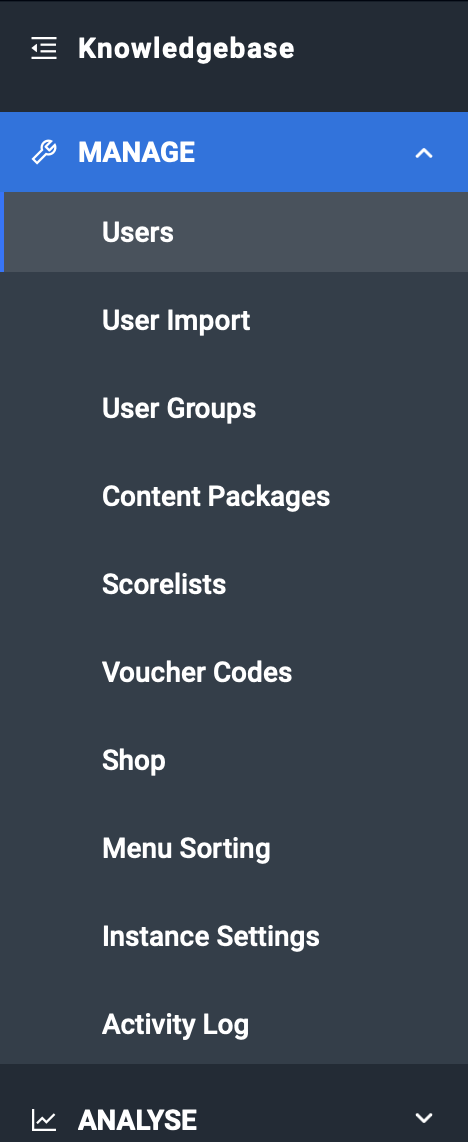
In the "Manage" area, you will find the administration of users, content packages and groups. You can also manage the menu, score lists, voucher codes and the shop module here if the modules are activated for your instance. The menu items in this area are mainly for administrators.
Related articles
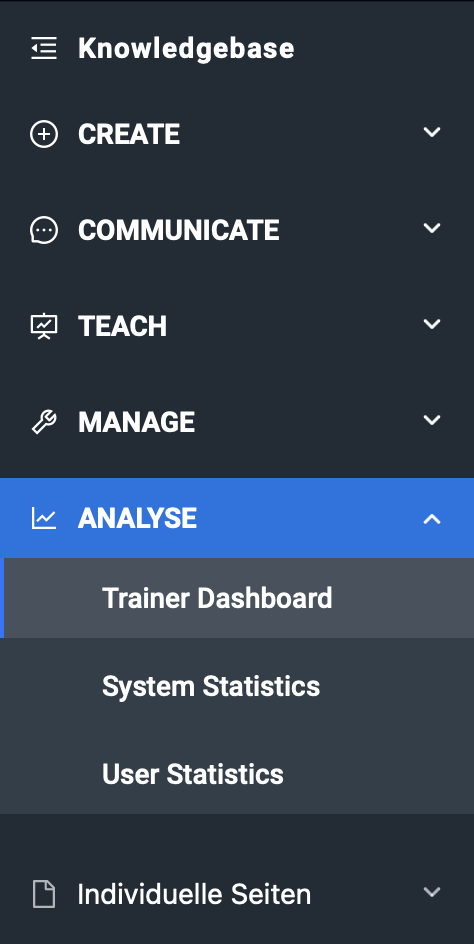
The "Analyse" section contains all statistical analyses, including the trainer dashboard. The Trainer or Analyst role can access this.
Related articles
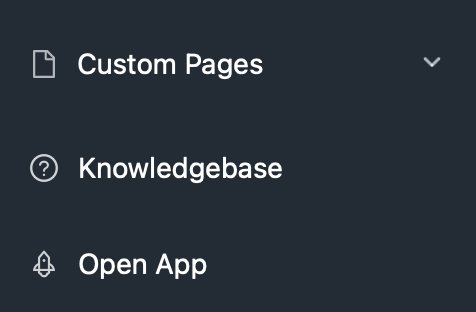
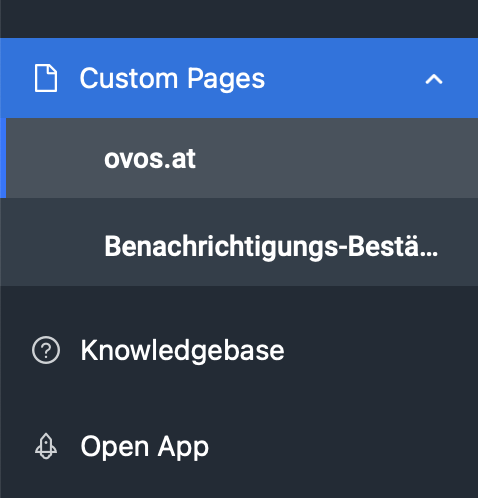
Under the menu item "Custom Pages" you will find all static pages that you have configured to be visible in the Admin Dashboard. Here you can, for example, display the legal notice, privacy policy or individual links for all authors or administrators.
Related articles
At the bottom of the new menu is a link to our knowledgebase and the link to the web app.